Tags: ai, claude, cursor, roo-code, cline, enterprise, agentic
Best AI Coding Tools for Enterprise Development in 2026
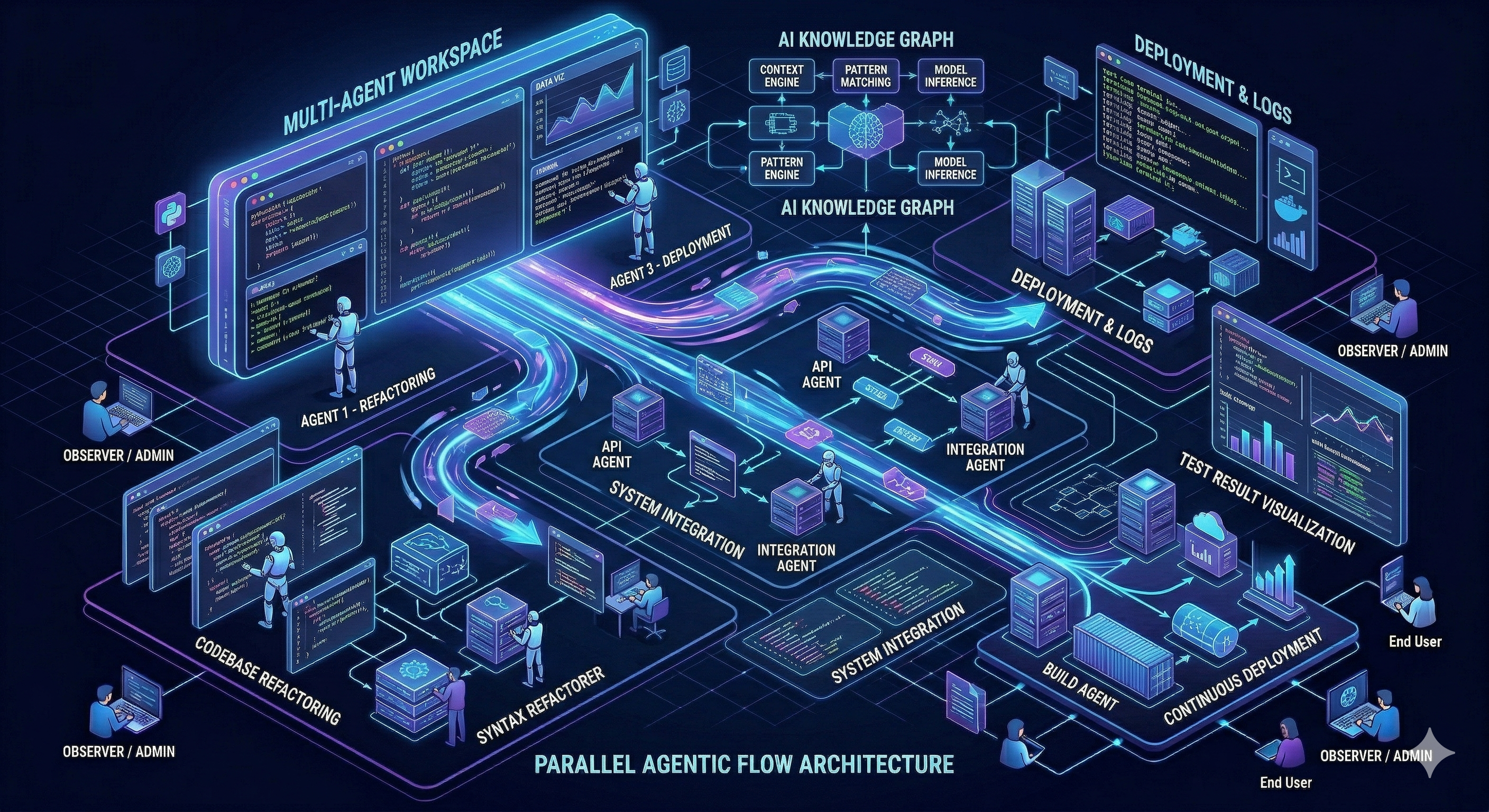
A year ago the conversation was about AI autocomplete. In 2026 it is about agentic flows - AI that reads your codebase, plans multi-step changes, runs tests, fixes failures and commits the result. The tools that win in enterprise are the ones that handle large, complex codebases without losing context, and that can operate autonomously on real tasks without constant hand-holding.
Here is what is actually working.
Claude Code
Claude Code is the tool I use daily and the one I keep coming back to. It runs as a CLI and integrates directly with VS Code through the extension, but the experience that genuinely surprised me is the dedicated Claude Code desktop app, which can work directly on your git repositories without needing an open editor session.
The agentic flow in Claude Code is the strongest available right now. You describe a task, it reads relevant files, plans its approach, makes changes across multiple files, runs your tests and iterates on failures. For a non-trivial feature or refactor that touches many files, this is a fundamentally different experience than autocomplete or single-file generation.
Context window: Claude’s context is the best in class for coding tasks. The ability to load an entire feature area of a large codebase and reason coherently across it is where Claude pulls ahead of the competition. For enterprise codebases with complex interdependencies, this matters enormously.
Enterprise fit: Strong. Anthropic’s safety focus and the API’s enterprise tier with SOC 2 compliance, audit logs and access controls make it a realistic option for regulated environments. The Claude.ai for Business plan adds admin controls and data privacy guarantees.
Standout agentic features:
- Multi-file edits with coherent reasoning across the full change
- Test-driven iteration - runs your test suite and fixes failures autonomously
- Git-aware - understands diffs, can read blame and writes meaningful commit messages
- Works directly on repos via the desktop app without IDE dependency
Roo Code
Roo Code is a VS Code extension that brings a full agentic coding loop into your editor. It is model-agnostic - you can point it at Claude, GPT-4o, Gemini or a local model via Ollama. This flexibility is its biggest differentiator.
The agentic mode lets Roo Code read files, write code, run terminal commands and loop until it completes a task. For enterprise teams that need to keep sensitive code off third-party APIs, the ability to route through a local Ollama instance is genuinely useful.
Context window: Depends entirely on the model you configure. Pointing it at Claude gives you Claude’s context. The tool itself is model-agnostic.
Enterprise fit: Good. The local model option is a strong selling point for teams with strict data residency requirements. Self-hosted, no data leaves the machine if you run it with Ollama.
Standout agentic features:
- Full terminal access - can run builds, tests and scripts autonomously
- Model switching mid-session
- Boomerang tasks - breaks large tasks into subtasks and coordinates completion
- Strong for multi-step infrastructure and DevOps work
Cline
Cline (formerly Claude Dev) is similar to Roo Code in its approach - a VS Code extension with agentic capabilities and model flexibility. It has a strong open-source community and is particularly well-regarded for its transparency: it shows you exactly what it is doing and why at each step.
Where Cline differentiates is in its approval flow. Rather than running autonomously, it pauses for confirmation at meaningful decision points. For enterprise teams that need human-in-the-loop oversight, this is a feature not a limitation.
Context window: Model-dependent, same as Roo Code.
Enterprise fit: Strong for teams that want auditability. The approval flow and detailed action logs make it easier to review what the AI did and why.
Standout agentic features:
- Transparent step-by-step reasoning visible to the developer
- Human-in-the-loop approval at key steps
- MCP (Model Context Protocol) support for connecting external tools and data sources
- Strong browser automation capability for testing and scraping tasks
Cursor
Cursor is the AI-native IDE that has become the default for many individual developers and startups. It is a fork of VS Code with AI deeply integrated - tab completion, inline generation and a chat panel that understands your full codebase via its indexing system.
For enterprise it is a harder sell than the extensions above. The data handling story has been a concern for some organizations, and the codebase indexing sends data to Cursor’s servers by default. That said, Cursor Business with privacy mode addresses many of these concerns.
Context window: Cursor’s codebase indexing gives it good whole-repo awareness, though it differs from a true large context window - it retrieves relevant chunks rather than loading everything at once.
Enterprise fit: Moderate. Best for teams that can use Cursor Business with privacy mode. Harder to justify for heavily regulated industries.
Standout agentic features:
- Composer mode for multi-file generation from a single prompt
- Strong codebase indexing for relevant context retrieval
- Best-in-class autocomplete feel and speed
A Note on Local LLMs
For teams that cannot send code to external APIs, Roo Code and Cline both support local models via Ollama. Models like Qwen2.5-Coder-32B and DeepSeek-Coder-V2 are genuinely capable for many coding tasks.
The honest assessment: local models still lag behind Claude and GPT-4o on complex multi-step reasoning and large context tasks. For straightforward code generation and autocomplete, the gap is manageable. For the kind of deep agentic work that makes these tools transformative - reading a 50k token codebase and making coherent changes across 20 files - cloud models are still significantly better.
Local is the right call when data sovereignty is non-negotiable. For everything else, the productivity gains from frontier models are worth the API cost.
Context Limits: What Actually Matters
For enterprise codebases, context is the limiting factor more than raw generation quality. Here is where the main options stand:
| Tool | Context (effective) | Whole-repo awareness |
|---|---|---|
| Claude Code (claude-opus-4) | 200k tokens | Strong, manual file loading |
| Cursor | Retrieval-based | Good via indexing |
| Roo Code + Claude | 200k tokens | Depends on model |
| Roo Code + local (Qwen 32B) | 32k-128k tokens | Limited |
| Cline + Claude | 200k tokens | Strong |
200k tokens is roughly 150,000 words or 15,000 lines of code. For most feature-level tasks this is sufficient. For whole-codebase reasoning on large monorepos, even 200k has limits - which is why smart file loading and retrieval strategies matter.
What to Use for Enterprise in 2026
For most enterprise teams: Claude Code is the benchmark. The agentic flow is the most capable, the context handling is the best and the enterprise compliance story is solid. Start here.
If data sovereignty is required: Roo Code or Cline with a self-hosted Ollama instance running Qwen2.5-Coder or DeepSeek. You trade capability for control.
If your team wants to stay in VS Code: Roo Code or Cline both integrate cleanly and support Claude via API, giving you most of Claude Code’s capability without leaving your editor.
For individual developers and startups: Cursor still has the most polished IDE experience and the best autocomplete feel, but Claude Code has closed the gap significantly for day-to-day development. If you are starting fresh today, Claude Code is worth trying before defaulting to Cursor.
The tools that are winning in enterprise are the ones that work with your existing git workflow, handle real codebases without losing the thread and can be configured to respect your data policies. Claude Code and Roo Code both clear that bar. The agentic era of coding tools is not coming - it is already here.
Studio Cavan helps engineering teams evaluate and integrate AI tooling into their development workflows. Get in touch if you want a hands-on assessment.